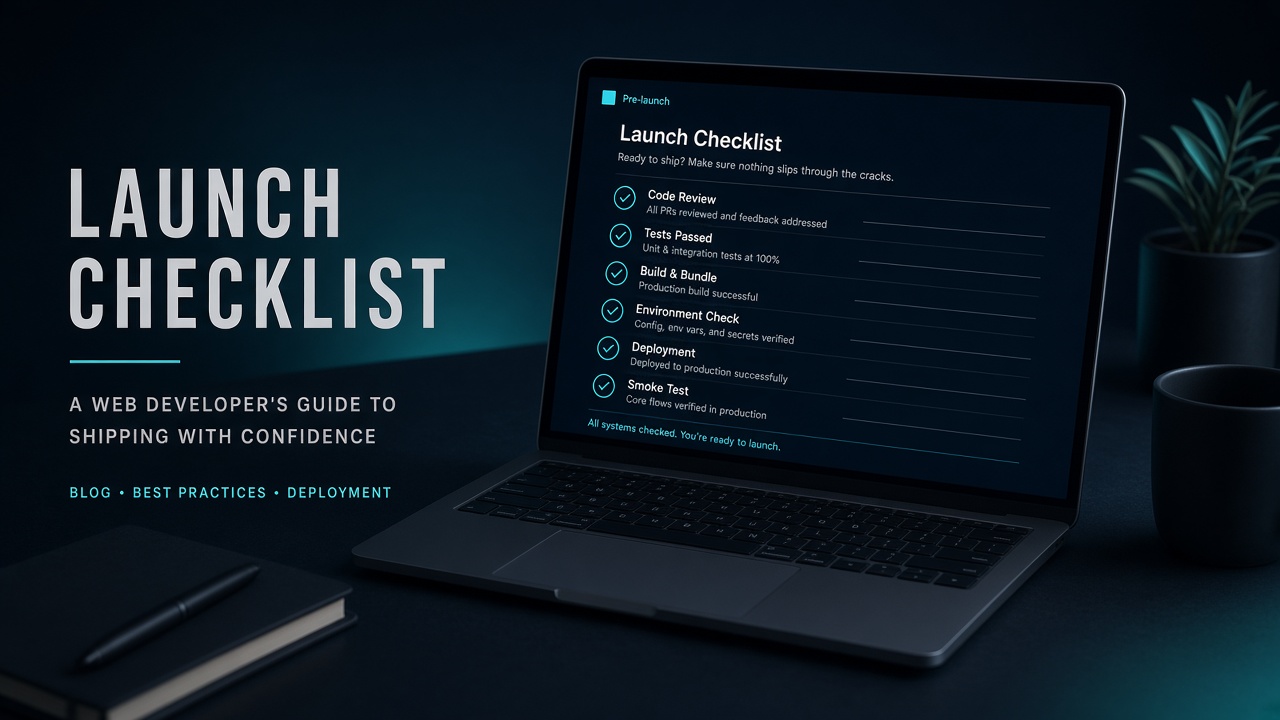
Website Launch Checklist for Client Projects
A practical go-live checklist for business websites: DNS, SSL, redirects, analytics, forms, backups, and PageSpeed checks before handing a project to the client.
On this page
Shipping a client website is not “upload files and send the invoice.” The last 10% decides whether the site feels professional on day one—or looks half-finished in Search Console, email, and WhatsApp inquiries.
This is the go-live checklist I use before a business site leaves staging.
1. Content and conversion paths
- every page has a clear H1 and one primary CTA;
- contact, WhatsApp, and email links work on mobile;
- forms send a test submission to a real inbox;
- 404 page exists and points back to home / contact;
- legal pages (privacy / terms) are linked from the footer when required.
If a form fails silently, marketing spend is wasted from hour one.
2. DNS, domain, and email
- A/AAAA (or CNAME) points to the correct host;
- MX, SPF, DKIM, DMARC are intact after DNS changes;
- www and apex resolve to the same site;
- TTL was lowered before the cutover when migrating domains.
Broken email after go-live is the fastest way to lose client trust.
3. HTTPS and security basics
- valid certificate (Full Strict if Cloudflare is in front);
- HTTP → HTTPS redirect;
- no mixed-content warnings in Chrome;
wp-admin/ staging URLs are blocked from indexing if still public;- default credentials and demo users removed.
4. SEO technical minimum
- unique title and meta description on key pages;
- XML sitemap submitted in Search Console;
robots.txtdoes not block important paths;- canonical URLs are correct (especially after WordPress migrations);
- Open Graph image loads (share preview on WhatsApp/Telegram).
5. Performance smoke test
- run PageSpeed Insights on the homepage (mobile);
- compress hero images and check LCP element;
- enable caching / CDN if the stack supports it;
- confirm TTFB is not clearly broken on the new host.
You do not need a perfect 100—but you should not launch with an uncached 4MB homepage.
6. Analytics and measurement
- Google Analytics / Tag Manager (or agreed alternative) fires on key pages;
- conversion events for form submit / WhatsApp click if scoped;
- Search Console property verified for the final domain.
7. Backup and handover
- full backup taken after go-live;
- credentials documented for the client (hosting, domain, CMS);
- staging turned off or password-protected;
- a short “how to edit content” note for non-technical owners.
Delivery note I send clients
Site is live on the production domain with HTTPS, forms tested, analytics connected, and a post-launch backup saved. Please review the homepage and contact flow on mobile within 48 hours.
That sentence sets expectation better than “sudah online.”
Keyword intent behind this article
People searching checklist go live website, cara launch website bisnis, or website launch checklist usually need a practical sequence—not theory. Use this list as a reusable delivery artifact on every client project.