VACS Online Case Study: From Downtime and Malware to a Fast, Stable School Site
Case study of vacsonline.org: a school website that was frequently down, hard to access, and malware-infected—then rebuilt for security, uptime, and speed.
On this page
When parents want schedules, announcements, or a school profile, the official website should be the easiest entry point. The problem: not every school website is ready for that responsibility.
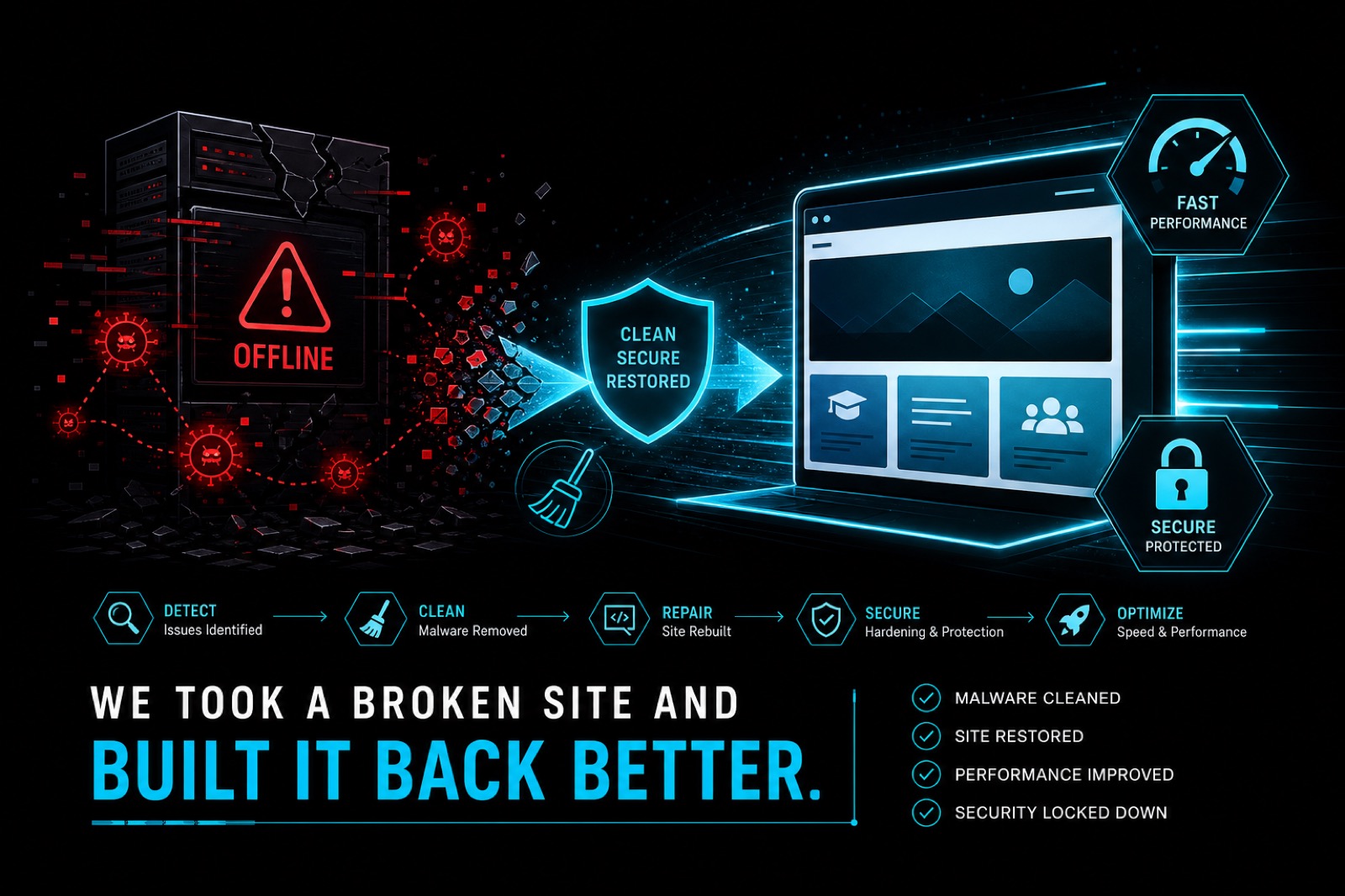
The VACS Online project (Valley Adventist Christian School) was not just “build a new website.” It was a system recovery: from frequent downtime, poor accessibility, and malware infection to a safer, more stable, and faster school presence.
This article covers the problems we found, their impact, the remediation approach, and the technical solutions—with performance treated as a foundation from day one.
Client background
VACS Online is the school’s official website for:
- presenting programs and school profile information;
- publishing news and announcements;
- helping parents and prospective students find contacts quickly;
- representing the institution in Google search results.
For a school, a website is more than an online brochure. If the site often fails to load, public trust drops—before anyone even reads the content.
Problems reported by the client
The client’s issues were concrete:
- The website was frequently down
- It was often inaccessible (timeouts, server errors, or blank pages)
- The website was already infected with malware
These three problems usually reinforce each other. Malware does not only create security risk; it can also slow pages, inject dark redirects, burn server resources, and push hosting into repeated failure.
Business and operational impact
Before technical fixes, it helps to name the real-world damage:
1. Parents and prospective students lose information access
If announcement or contact pages fail, questions scatter across WhatsApp and phone calls. School staff get overloaded, and information becomes inconsistent.
2. Digital reputation erodes
A frequently offline site feels neglected. For an education institution, that hurts perceived professionalism.
3. SEO and blacklist risk
Malware-infected sites can:
- get flagged by browsers/antivirus tools;
- lose search visibility;
- suffer indexing damage from harmful content or hidden redirects.
4. Admin and data security risk
Malware often leaves backdoors. Even if pages look “cleaned,” an attacker may still return later.
Initial audit findings
My approach is consistent: audit first, then repair or rebuild.
In cases like VACS Online, common findings include:
Security
- suspicious files in upload/theme/plugin directories;
- injected scripts in headers, footers, or CMS core files;
- hidden PHP backdoors;
- unknown admin users or excessive privileges;
- outdated software, plugins, and themes.
Availability (uptime)
- hosting resources exhausted by malware/spam processes;
- repeated PHP errors;
- slow or partially corrupted databases;
- unhealthy server configuration (memory limits, timeouts, excessive cron jobs).
Performance
- unoptimized images;
- stacked plugins;
- excessive JS/CSS requests;
- missing or misconfigured caching;
- heavy critical pages on mobile.
Content and structure
- school information scattered without clear hierarchy;
- important pages hard to find;
- weak technical SEO (titles, headings, sitemap, canonicals).
Solution principle: secure, clean, rebuild for speed
For malware + downtime, partial patching is often not enough. When the foundation is compromised, the responsible path is:
- isolate and remove the infection;
- harden security;
- rebuild on a healthier architecture;
- prioritize speed from the first design decisions;
- add monitoring so issues are caught earlier.
On VACS Online, speed was not a final polish step. Speed was a product requirement, because school audiences often browse on mid-range phones with uneven networks.
Solutions implemented
1. Isolation and malware cleanup
First, stop further damage:
- emergency backups (even if infected) for forensics and rollback;
- file and database scans for malware patterns;
- removal of backdoors, injected files, and suspicious cron jobs;
- rotation of all credentials (hosting, database, CMS admin, FTP/SFTP, related email);
- revocation of unknown access.
Without credential rotation, cleanup usually fails because the attacker can return.
2. Security hardening
After cleanup, lock the system down:
- update the stack to safer versions;
- restrict admin access (least privilege);
- disable unused risky features;
- enforce HTTPS with correct redirects;
- tighten file/folder permissions;
- schedule backups that can actually be restored.
3. Rebuild a lightweight school website
Instead of preserving a broken stack, the site was rebuilt around:
- clear academic information architecture (programs, news, contact);
- lightweight, maintainable pages;
- compressed, correctly sized images;
- minimized non-critical scripts;
- mobile-first experience for parents.
Result: an official site that is easier to manage and faster to load.
4. Performance as a requirement, not an option
Every technical choice was tested against speed impact:
- remove unnecessary dependencies;
- prioritize above-the-fold content;
- keep layout stable (reduce CLS);
- apply environment-appropriate caching;
- keep news/announcement pages fast as content grows.
This aligns with Core Web Vitals practice: LCP, INP, and CLS must hold up on real devices.
5. Technical SEO so the school can be found
Once stable, technical SEO was prepared:
- relevant titles and descriptions for key pages;
- clean heading hierarchy;
- healthy sitemap and indexing setup;
- content structure that supports education-related search intent.
Security and speed without discoverability still leave growth on the table.
6. Monitoring and ongoing maintenance
To prevent another “always down” cycle:
- basic uptime monitoring;
- scheduled updates;
- regular plugin/theme audits;
- backups with restore drills;
- fast response when traffic or files look abnormal.
Results after remediation
After recovery and rebuild, VACS Online became an official school website that is:
- live at vacsonline.org;
- more stable for public access;
- safer than the previous infected state;
- faster for mobile audiences;
- better prepared for education SEO and parent discovery.
Measured performance landed in a strong range for Accessibility, Best Practices, and SEO, with competitive Performance for a content-driven school site.
The portfolio case is also available at /portfolio/vacsonline/.
Lessons for other schools and organizations
If your institutional website shows similar symptoms, do not wait until it fully dies.
Starter checklist:
- Check whether the site has been malware-flagged by browsers or Search Console.
- Secure admin access and rotate all related passwords.
- Audit outdated plugins/themes—these are the most common entry points.
- Measure PageSpeed and uptime before and after fixes.
- Consider a rebuild if the foundation is too damaged to patch.
When to rebuild instead of only cleaning
Cleanup can be enough when infection is limited and architecture is still healthy.
Rebuild is better when:
- malware has spread widely;
- downtime continues after cleanup;
- plugin/theme debt makes maintenance expensive;
- performance is structurally poor;
- the organization needs clearer content architecture.
For VACS Online, cleanup + speed-first rebuild was the most responsible path.
Conclusion
The VACS Online project reinforces one point: a good school website must be secure, accessible, and fast—not merely attractive on an office desktop.
When a client faces frequent downtime, poor accessibility, and malware infection, the answer is not “just change the theme.” The answer is a full process: remove threats, lock access, rebuild on a lean foundation, then protect the result with monitoring.
That is the approach used on vacsonline.org: restoring the school’s digital trust with a website that is more stable, more secure, and designed for speed from the start.