WordPress Optimization Checklist for Performance and SEO
A practical WordPress checklist covering plugins, themes, caching, images, database hygiene, and technical SEO without making the site hard to maintain.
On this page
WordPress remains a strong choice for many clients because it is easy to manage. The challenge: without discipline, sites accumulate plugins, excess scripts, and declining PageSpeed scores.
This checklist is the framework I use when auditing or shipping production WordPress sites.
Start with hosting and PHP foundations
Before blaming the theme:
- run a modern supported PHP version;
- enable OPcache;
- serve HTTPS with a valid certificate;
- give enough memory for the editor and media workflow.
Weak foundations make front-end tuning feel pointless.
Choose themes and builders carefully
Multipurpose themes that “do everything” often ship large CSS/JS payloads.
Safer habits:
- pick a lean theme or a block theme that fits the brief;
- disable unused builder features;
- avoid stacking multiple page builders.
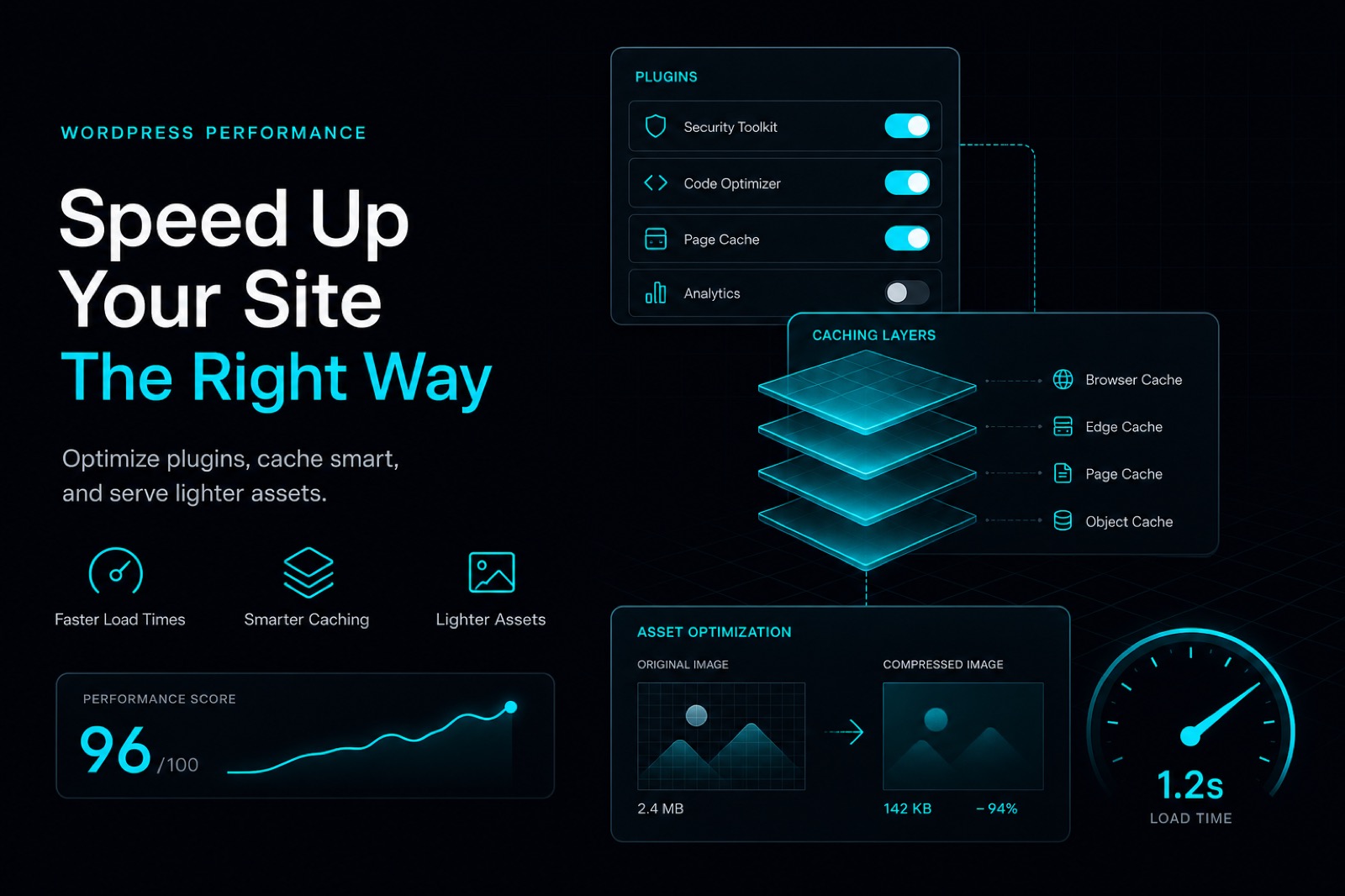
Audit plugins every quarter
Plugins are the most common source of performance drag and security risk.
Checklist:
- list every active plugin and its job;
- remove duplicates and unused plugins;
- replace heavy plugins with lighter options when possible;
- update on a plan, not randomly during peak traffic.
Caching and static assets
For public content:
- enable page cache or object cache based on the host;
- minify CSS/JS only after confirming layouts still work;
- combine asset requests when tooling allows without conflicts;
- serve images at sizes that match breakpoints.
Images and the media library
A messy media library slows backups and the admin experience.
Do this:
- compress new uploads by default;
- limit unnecessary upload sizes;
- remove orphaned media when safe;
- lazy-load below-the-fold images.
Technical SEO essentials
Performance supports SEO, but technical SEO still needs intentional setup:
- clean permalinks;
- an active XML sitemap;
- correct canonicals;
- unique title/description for key pages;
- logical heading hierarchy (one H1, then H2/H3).
Basic security without plugin overload
Security does not require ten overlapping security plugins.
Minimum recommendations:
- keep core/theme/plugins updated;
- limit login attempts;
- schedule backups you can actually restore;
- use least-privilege admin accounts.
Short go-live checklist
Before launch:
- test mobile on the home and contact pages;
- verify forms, WhatsApp/CTAs, and critical links;
- capture a PageSpeed baseline;
- verify sitemap and robots;
- confirm the latest backup succeeds.
Conclusion
Fast, SEO-friendly WordPress comes from disciplined choices: lean themes, minimal plugins, proper caching, controlled media, and clean technical SEO. Optimization is not a one-off project—make light audits a habit after every major release.