How to Improve Google PageSpeed and Core Web Vitals
A practical guide to raising PageSpeed scores: LCP, INP, CLS, image strategy, caching, and high-impact fixes first.
On this page
A Google PageSpeed score is more than a Lighthouse number. It reflects how fast and stable a site feels for real users—especially on mobile devices with imperfect networks.
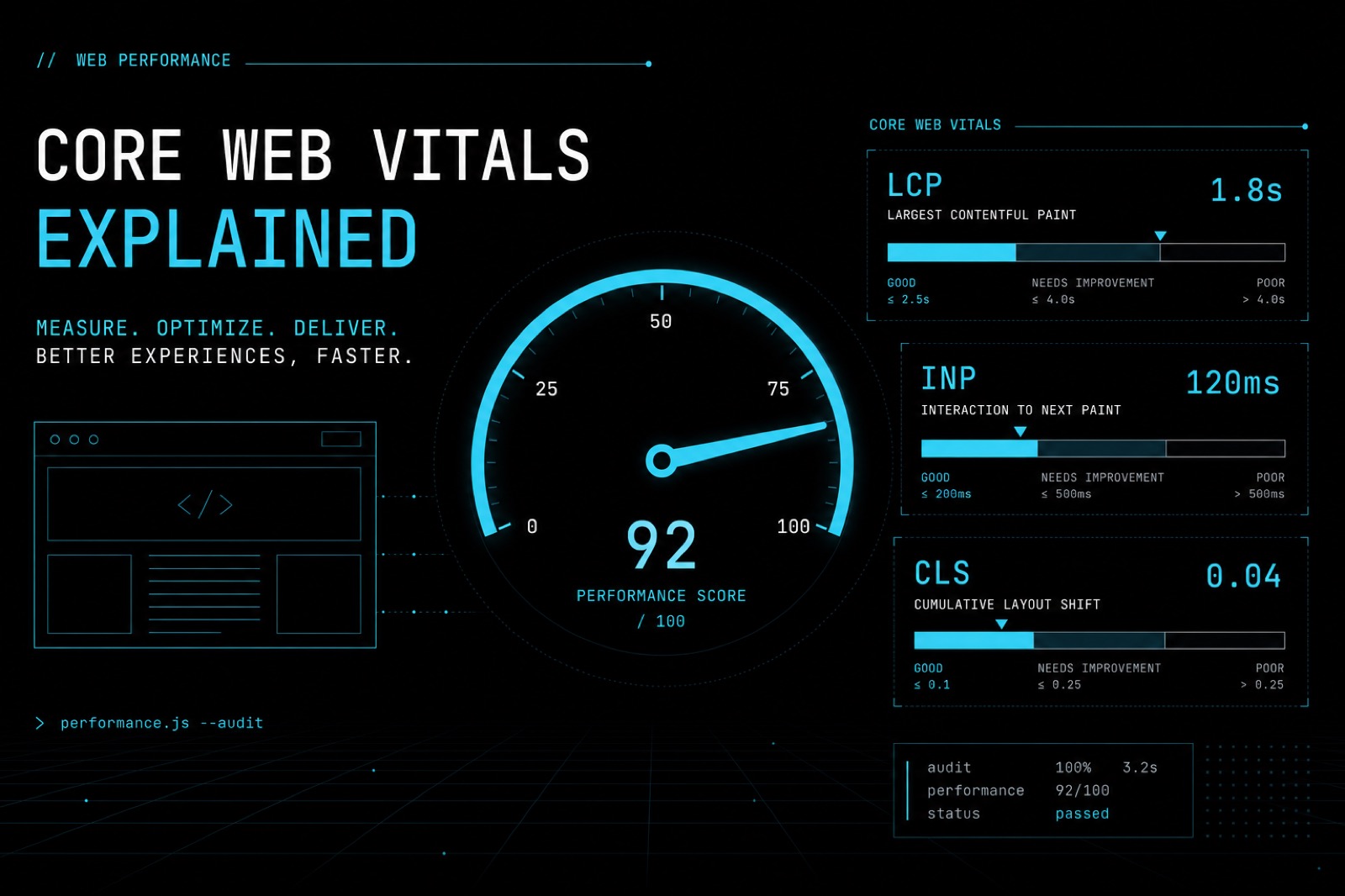
In client projects, I start with Core Web Vitals, not a long audit laundry list. The three metrics that matter most:
- LCP (Largest Contentful Paint) — how quickly the main content appears
- INP (Interaction to Next Paint) — how responsive the page feels on click or input
- CLS (Cumulative Layout Shift) — how stable the layout stays while loading
Audit first, then fix
Before optimizing, capture a baseline:
- Run PageSpeed Insights on key URLs (home, landing, and one content page).
- Compare lab results with field data when available.
- Write down the top 3 issues affecting LCP, INP, or CLS.
Without a baseline, you cannot tell whether a change actually helped.
Fix LCP first
LCP usually hurts first impressions the most. Practical focus areas:
- keep hero images lean; prefer modern formats (WebP/AVIF) when possible;
- set
widthandheightso the browser can reserve space; - preload critical fonts or images only when they are truly above the fold;
- reduce render-blocking CSS/JS.
On many WordPress and landing-page builds, replacing a heavy hero JPEG already improves LCP significantly.
Stabilize layout for CLS
CLS appears when elements jump after fonts, ads, or images finish loading.
Short checklist:
- always reserve media dimensions;
- never inject banners above content without reserved space;
- avoid extreme font swapping; keep a consistent font-loading strategy.
Clean up JavaScript for better INP
Poor INP usually comes from too much main-thread work.
Approaches I use often:
- defer non-critical scripts (analytics, chat widgets, carousels);
- split heavy work into smaller tasks;
- avoid large libraries for simple interactions.
Caching, hosting, and priorities
Front-end tuning is not enough if the server is slow. Make sure:
- HTTP or page caching is enabled for public content;
- a CDN serves static assets when the audience is distributed;
- redirect chains are removed.
Highest-impact fix order
When time is limited, work in this order:
- compress and size critical images;
- reduce render-blocking JS/CSS;
- fix above-the-fold CLS;
- enable caching;
- only then chase micro-optimizations.
Conclusion
Good PageSpeed comes from prioritization, not random checklists. Start with Core Web Vitals, remeasure after every major change, and document outcomes. That is the approach I use when shipping production websites that stay fast, stable, and maintainable.